
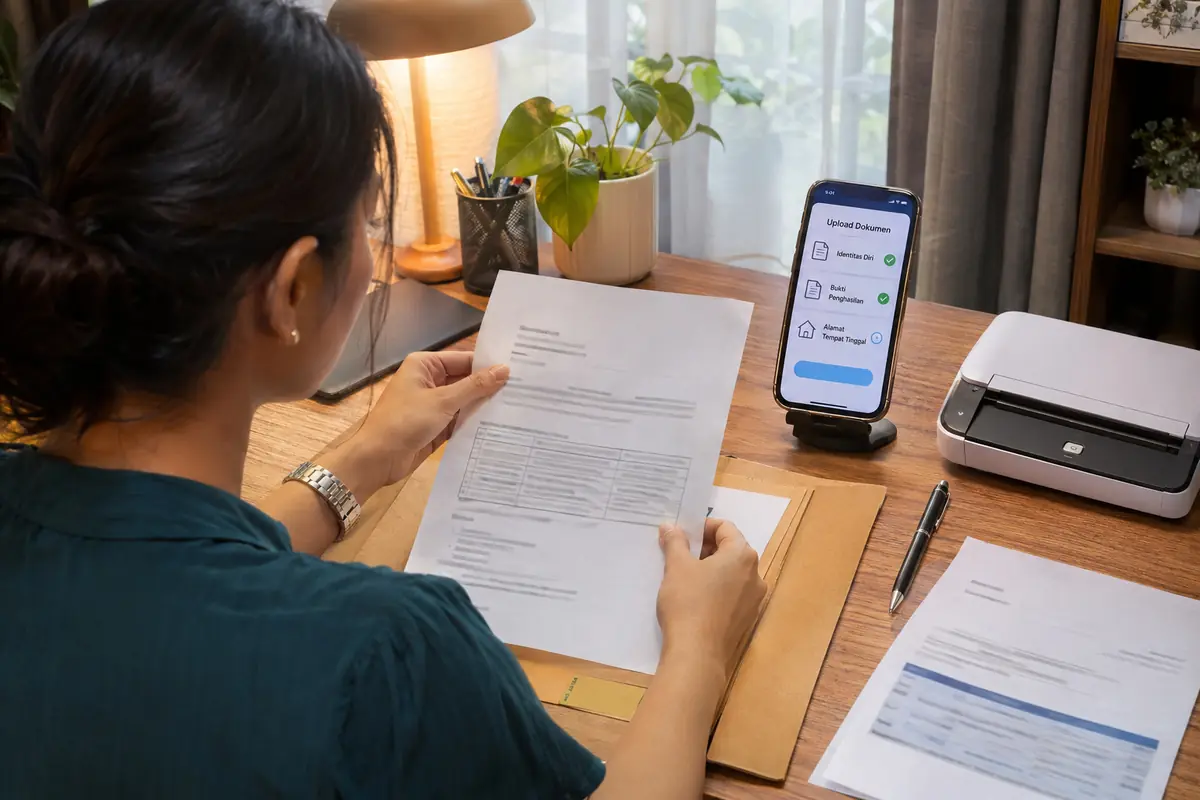
In Indonesia, every loan app sets required application documents that let the lender confirm who the borrower is, whether the person can repay and where the money should go. The core set is usually the electronic identity card (KTP-el) with its 16-digit NIK, a live selfie, a phone number registered in the applicant's name and a bank or e-wallet account. Salaried workers, freelancers and small traders may add income evidence. Licensed platforms must verify identity and document authenticity, so incomplete or mismatched files are the most common reason an application stalls before any credit decision.
The identity core: KTP-el, NIK and selfie
Almost every licensed loan app starts with the same three items: a photo of the KTP-el, the NIK printed on it, and a selfie taken inside the app. The selfie is compared against the photo on the card and, in many cases, against population records, which is why a blurry card or a selfie with sunglasses is rejected so often.
Foreign residents are treated differently. A passport, a limited stay permit (KITAS) or a permanent stay permit (KITAP) may be requested, and many consumer apps simply do not open registration to non-citizens. Anyone holding such a permit should look at the eligibility notes of the specific app before downloading it.
The name on the card must match the name on the bank account and the phone registration. A middle-name abbreviation, a missing last name or an old address are small differences that create manual review, so it helps to compare all three before starting.
Proof of income and employment
Small cash-loan apps often rely on data scoring and ask for very little paperwork, but larger limits and longer tenors almost always require proof that income is regular. The wording differs between lenders, yet the evidence tends to fall into the same groups.
- Employees: recent payslips, an employment letter or a company ID card, plus a salary account statement.
- Freelancers and online sellers: marketplace or e-wallet transaction history and bank statements covering several months.
- Business owners: a business licence number (NIB), shop photos and a business bank statement.
- Pensioners and civil servants: a pension or salary slip and the matching bank statement.
Statements are usually accepted as PDF exports from internet banking, because screenshots are easy to alter. Documents older than the period the lender states are normally refused.
Bank account, e-wallet and phone number
Disbursement and repayment both depend on an account that belongs to the borrower. A savings account in the borrower's own name is the standard requirement, and some apps also accept an e-wallet that has completed full identity verification.
The mobile number matters just as much. It receives one-time passwords, it is checked against the identity record, and it is the channel through which a legitimate lender sends reminders. A number registered under a relative's identity can block registration even when every other document is correct.
A joint account, a corporate account or a third-party account is rarely accepted, because the lender must be able to trace the money back to the person who signed the agreement.
Tax number and additional documents
A tax number (NPWP) is requested more often as loan size grows. Since the tax system started to use the NIK as the individual taxpayer identifier, some lenders simply read the NIK instead of asking for a separate card, while others still ask for the NPWP photo.
Other items appear case by case: a family card (Kartu Keluarga) to confirm household details, a marriage certificate in some secured products, a vehicle ownership document for a collateral loan, or a property certificate for a mortgage-style product. Unsecured loan apps do not need collateral papers.
An emergency contact is often requested as a name and phone number only. Under the OJK rules for licensed platforms, the lender may not read the phone contact list or gallery, so typing an emergency contact by hand is the legitimate method.
How the documents are submitted and verified
Submission happens inside the app or on the lender's website. The sequence normally runs from registration with a phone number, to photographing the ID, to a liveness check and bank account linking. Good lighting, a flat card and all four corners visible solve most failed uploads.
Verification combines automated and manual steps. Automated checks compare identity data with population records and screen for duplicate accounts. A credit check against the national credit information system (SLIK) is common. Manual review follows when the system flags a mismatch.
Under the OJK regulation on technology-based joint funding (LPBBTI), platforms must verify the identity of users and the authenticity of submitted documents. Licensed apps may only request access to the camera, microphone and location of the phone, and never the contacts or the photo gallery.
Red flags: what a legitimate app never asks for
Some requests are a warning sign by themselves. A lender that asks for the one-time password sent to the borrower's phone, for the PIN of a bank card, for internet banking credentials or for a fee paid before the loan is released is not operating legitimately.
The same applies to requests for photos of the borrower holding the ID in an unusual pose sent through a chat application, for access to the contact list, or for an upfront transfer described as insurance or administration. Genuine platforms collect documents through their own app or secure portal.
Before uploading anything, the lender's name should be checked in the OJK list of licensed providers. OJK also accepts questions and reports through its contact centre at 157 and by WhatsApp at 081157157157. Documents sent to an illegal lender can be misused for identity theft, so reporting early matters.
Preparing a clean document pack
A short checklist before starting saves several attempts. Scan or photograph the KTP-el in daylight, keep a recent bank statement exported as PDF, confirm the phone number is under the borrower's own identity, and note the exact name spelling used by the bank.
File size limits are common, so photos should be compressed rather than cropped. A stable connection avoids the session timing out in the middle of the liveness check, which otherwise forces the whole flow to restart.
Each submission leaves a data trail, and each application may be recorded in the credit information system. Applying to many apps in one day to see which approves first can look like stress behaviour to a scoring model. It is better to apply to one licensed lender with the documents that fit its stated rules.
Frequently asked questions
Is a KTP-el enough to get a loan from an app?
For small starter limits, some licensed apps need little more than the KTP-el, a selfie, a phone number and a bank account. Larger amounts or longer tenors usually require proof of income as well.
Can a foreigner use an Indonesian loan app?
Only if the app allows it. Those that do generally ask for a passport and a valid stay permit such as KITAS or KITAP. Many consumer apps accept Indonesian citizens only, so the eligibility rules should be checked first.
Why was my selfie or ID photo rejected?
Typical causes are glare on the card, cropped corners, low light, a face covered by a mask or glasses, and a photo that does not match the population record. Retaking the picture in daylight usually fixes it.
Does a licensed loan app need access to my contacts?
No. Under OJK rules, licensed platforms may only access the camera, microphone and location of the device. A request for the contact list or gallery is a strong sign the app is not legitimate.
Where can I check whether a lender is licensed?
The OJK website lists licensed lending platforms, and OJK answers questions on 157 and WhatsApp 081157157157. Checking before uploading any document is the safest order of steps.
Further reading
- Kredit Pintar (page in Indonesian; no English version found) : Aplikasi pinjaman tunai berizin OJK yang menjelaskan bahwa pengajuan cukup dengan KTP dan dicairkan ke rekening bank.